Insight by Hyring · Employee Monitoring
Employee Monitoring Software
Monitoring that reports to the employee before it reports to the manager. Insight tracks time, activity, apps, and websites, then explains the workday in plain language instead of handing you a folder of screenshots to interpret.
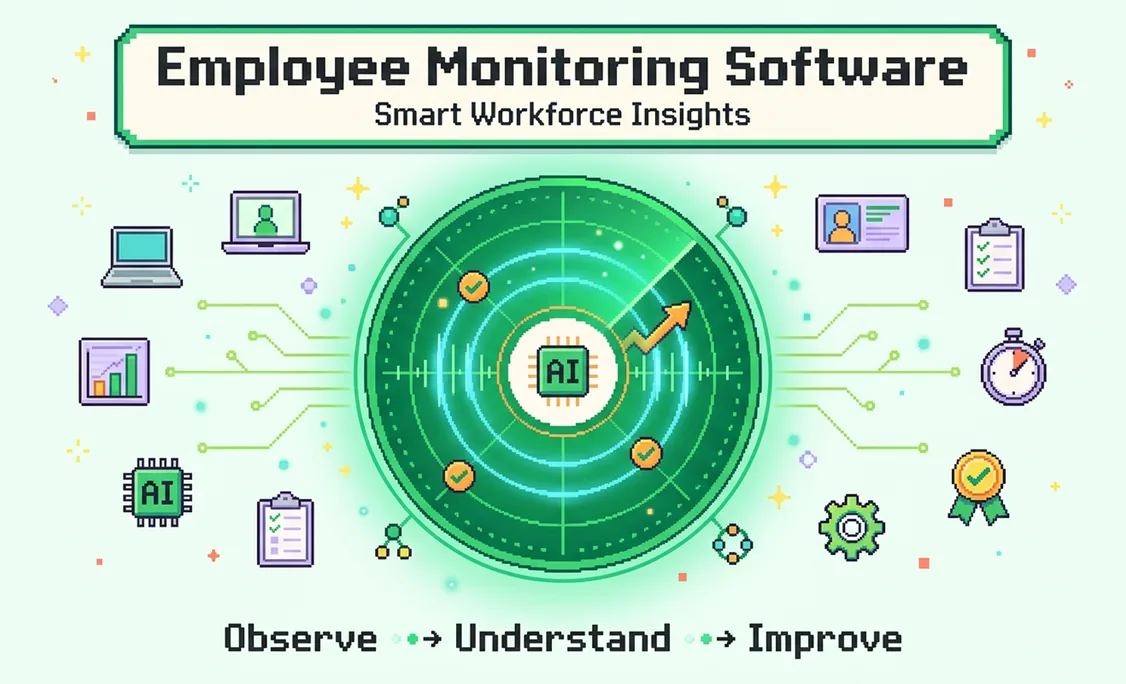


Employee first
Sees own data before managers
0
Keystrokes captured, ever
Optional
Screenshots, or off entirely
SOC 2
Type II and ISO 27001
Direct answer
Employee monitoring software records how work happens: hours, activity levels, applications and websites used, idle periods, and optionally screenshots.
Insight by Hyring differs in one structural way. The employee sees their own data before any manager does, through a desktop companion that nudges rather than reports, and no keystroke content is ever captured. Pro is $7 per user per month, with 30 days free first.
| What is captured | Time, activity, apps, URLs, idle, optional screenshots |
|---|---|
| What is never captured | Keystroke content, at any tier |
| Who sees it first | The employee, in real time |
| Screenshots | Configurable, blurrable, or off entirely |
| Certification | SOC 2 Type II and ISO 27001 |
| Price | $7 per user per month, Pro |
Insight by Hyring is employee monitoring software that records time, activity levels, applications, websites, and optional screenshots, then uses AI to turn those records into answers a manager can actually use. It runs on Windows, macOS, web, and mobile, and it is SOC 2 Type II and ISO 27001 certified.
Insight is built for US teams first, with distributed and offshore teams supported on the same account. The category has a reputation problem, and it is deserved. Most monitoring tools are built for the buyer and inflicted on the user: the manager gets a dashboard, the employee gets watched, and nobody tells the employee what was captured until it comes up in a review. Insight inverts that ordering. The person being tracked sees their own data first, through a desktop companion that nudges and celebrates rather than reports. Managers get team-level answers rather than individual evidence piles.
What Employee Monitoring Software Does
Monitoring software captures four layers: time, activity, context, and increasingly, interpretation.
What employee monitoring software actually captures
Time
When work starts, stops, and pauses
Activity
Keyboard and mouse intensity, idle gaps
Context
Apps and URLs, optional screenshots
Meaning
AI turns the above into an answer, not an evidence pile
Most tools stop at the third box and hand a manager a folder of screenshots to interpret. The fourth box is the difference between a record and an answer.
The first three layers are commodity. Every tool in this category records hours, measures keyboard and mouse activity, and logs applications or URLs. The differences that matter are what happens above that: whether the data becomes an answer, and who is allowed to see it.
Why Most Monitoring Tools Fail
They optimise for evidence collection rather than understanding, and they show the manager before the employee.
They produce evidence, not answers. A manager opens the dashboard, finds four hundred screenshots and an activity percentage, and still cannot answer the question they actually had, which is usually whether the team is overloaded, whether a project is understaffed, or why one person's output dropped this month. Raw capture does not answer those. It just makes someone spend an afternoon inferring.
They break trust by design. When the first time an employee learns what was recorded is during a performance conversation, the tool has taught the whole team that they are being watched rather than supported. Productivity theatre follows: mouse jigglers, tab cycling, and activity gaming. The measurements stay green and the actual work gets worse.
They over-collect. Keystroke logging captures passwords, private messages, and medical searches typed into a work laptop. Very few organisations need that, most cannot securely store it, and its presence in a product tells you what the vendor optimised for.
How Insight by Hyring Works Differently
A desktop companion that speaks to the employee first, shared focus music rooms, wellbeing reminders, kudos, and an AI that answers instead of reporting. No other product in this category has this combination.
Who sees monitoring data first
Order of visibility, Insight against the category norm
- Typical monitoring tool: manager sees first
- Typical tool: employee sees on request, if at all
- Insight: employee sees their own data first
- Insight: manager sees team aggregates
This ordering is the entire product argument. An employee who sees their own focus patterns before their manager does treats the tool as feedback. An employee who finds out what was recorded only when it is raised in a review treats it as surveillance, and behaves accordingly.
A companion that speaks to the employee first
Every person gets a floating desktop avatar reading the same signals a manager would, and talking to them before anyone else sees a thing. "We have been drifting for 25 minutes. Want to start a 15 minute sprint together?" An action, never an accusation.
It flags what dashboards celebrate
Two unbroken hours at 100% keyboard activity gets a friendly check rather than a gold star, because that pattern usually means something is wrong. Scrolling followed by idle gets a private nudge back to the open task.
Focus rooms your team hears together
Curated lofi, ambient, instrumental and nature channels, played in sync. See which room engineering is in, join a colleague in one click. Nothing else in this category has built shared listening.
Reminders that look after people
Water breaks, stretch and rest, the 20-20-20 eye rule, end-of-day wind-down, and any custom reminder someone sets. Focus sessions mute notifications automatically.
Kudos beside the data
Recognition sits inside the same tool that measures the work, next to presence and focus-room activity, so a good month is not only a percentage.
Ask, do not dig
Screenshots and URLs become answers rather than evidence piles. Ask which team is closest to burnout or where last sprint went, and get a sentence.
Insight by Hyring is also the only product in this category wired into a hiring platform. Work data feeds people decisions and people decisions feed the next hire, so "do we need another engineer or a better-scoped quarter" gets answered with evidence. Nothing else in the category can do that.
What a team member sees first: their own tracked hours, activity ring, focus blocks, and today's kudos, before any manager view exists.
What Insight by Hyring Tracks
Time, activity, applications and websites, idle periods, and optional screenshots, with a lightweight HRIS alongside.
Insight by Hyring monitoring capabilities
| Capability | What it captures | Employee visibility |
|---|---|---|
| Time tracking | Start, stop, pause, and total worked hours per task or project | Full, in real time |
| Activity levels | Keyboard and mouse intensity as a percentage, never content | Full, in real time |
| Apps and websites | Which applications and URLs were active, and for how long | Full |
| Idle detection | Gaps with no input, distinguished from breaks | Full |
| Screenshots | Optional, configurable frequency and blurring, or off entirely | Full |
| Focus patterns | Deep work blocks, fragmentation, meeting load | Full, shown first |
| Lightweight HRIS | Employee records and leave, included free with Hyring | Full |
| Keystroke content | Not captured. Not a setting, not on a roadmap |
Insight by Hyring does not run payroll and does not do shift scheduling or rostering. If those are your primary requirement, a workforce management platform will serve you better and we would rather say so here than after a demo.
Compared With Other Tools
The category splits between surveillance-first tools, timer-first tools, and Insight by Hyring, which is the only one built to be wanted by the people using it.
Insight by Hyring against the category
| Capability | Typical monitoring tool | Insight by Hyring |
|---|---|---|
| Desktop companion avatar | None | Nudges, checks and celebrates, privately |
| Shared focus music rooms | None | Listen in sync with your team |
| Wellbeing reminders | None | Water, stretch, 20-20-20, wind-down, custom |
| Kudos and recognition | Separate tool | Built in, beside the work data |
| AI answers on the work day | Reports and exports | Ask a question, get a sentence |
| Capture method | Manual timer | Passive, as work happens |
| Who sees data first | Manager | The employee, always |
| Keystroke logging | Common | Never, by permanent design |
| Wired into hiring decisions | No | Yes, through Hyring |
Category approaches compared
| Approach | Typical of | Strength | Weakness |
|---|---|---|---|
| Surveillance-first | Teramind, Veriato, ActivTrak | Deep capture for regulated or insider-risk cases | Keystroke logging, heavy capture, poor employee reception |
| Timer-first | Clockify, Toggl, Harvest | Simple, cheap, well liked | Durations only. No context, no wellbeing layer, no answers |
| Screenshot-first | Hubstaff, Time Doctor | Familiar for contractor billing | Evidence piles rather than answers |
| Companion-first | Insight by Hyring | Avatar, focus rooms, reminders, kudos, AI answers, employee-first visibility | No payroll, no shift scheduling |
Detailed breakdowns sit on the individual comparison pages: Hubstaff alternatives, ActivTrak alternatives, Time Doctor alternatives, and Teramind alternatives.
Introducing It Without Losing Trust
How you switch monitoring on determines how your team responds to it far more than which tool you pick.
Announce before you install. Tell people what is captured, what is not, who can see it, and why you are doing it. Monitoring discovered rather than announced is the single most reliable way to poison a team, and it is entirely avoidable.
Name the actual problem. "We want to know whether the team is overloaded before people burn out" is a reason people accept. "We want to make sure everyone is working" is a reason people resent, and it usually is not the real one anyway.
Start with the least invasive configuration. Time and activity only, screenshots off. Most capacity questions are answerable from that alone. You can always add later, and adding is far easier than walking something back.
Show people their own data in week one. If the first thing everyone sees is their own focus pattern rather than a manager's dashboard, the tool reads as feedback. That framing decides everything that follows.
More on this in our Learn hub, and the free HR Toolkit has policy templates for setting expectations in writing.
Pricing
Thirty days free with all Pro features and no credit card, then two paid plans.
Insight is part of the wider Hyring ecosystem, so work data connects to hiring decisions: which teams are stretched, where capacity is genuinely short, and what the next hire should be. The lightweight HRIS is included free.
Adithyan RK is the Co-Founder and CEO of Hyring, an AI-native recruitment platform that has run over 900,000 AI interviews for companies ranging from early-stage startups to the Fortune 500. He has spent 18 years building technology businesses, starting with a digital consultancy in 2008 and a staff augmentation firm in 2017, before founding Hyring in 2022 to rebuild hiring around evidence instead of guesswork.
Expertise

Surya N is the Co-Founder and CTO of Hyring, where he architected the AI interviewing engine that has now conducted over 900,000 interviews for companies ranging from early-stage startups to the Fortune 500. A mechanical engineer who moved into artificial intelligence, he spent 6 years building AI applications inside a technology consultancy before co-founding Hyring, and wrote the first version of its AI interviewer from scratch: a system that listens, adapts its questioning in real time, and flags fraud rather than following a fixed script.
Expertise
FAQs
Software that records how work happens: hours worked, activity levels, applications and websites used, idle periods, and optionally screenshots. Insight adds a layer most tools lack, turning those records into plain-language answers through an AI assistant rather than leaving managers to interpret raw evidence.
Useful next
8 mins Read
Employee time tracking software
8 mins Read
Attendance management software
7 mins Read
Time tracking for small business
Free HR Toolkit: 150+ calculators and templates
Learn hub: guides and explainers