What is Parakeet AI?
Parakeet AI is a specialised browser-based software solution intended to be an invisible assistant for an interview. In contrast to other tools used by candidates for preparing themselves prior to the interview, Parakeet works during the live discussion.
This software functions independently along with popular video conference solutions such as Zoom, Microsoft Teams, or Google Meet. It operates in the background of the interview and entirely avoids simple screen-capturing algorithms, thus becoming a convenient solution for cheating on tests.
It works for both technical and non-technical hiring tracks. The former reads code prompts from the screen, while the latter generates talking points for candidates according to the resume provided prior to the interview and the required position description.
How Real-Time AI Copilots Feed Answers Live
Understanding the mechanics of real-time AI interview copilots is the first step toward prevention. The software relies on an ultra-fast, multi-step pipeline that turns an interviewer's spoken question into a written script in seconds.
Firstly, the software connects itself to the system's audio in order to record the interviewer's voice. It immediately sends the recorded audio to the transcription machine based in the cloud. When the text has been created, an advanced Large Language Model (LLM) is prompted to come up with the response.
Finally, the created response is displayed on the screen, which is a borderless, transparent overlay near the interviewee’s camera. The entire process lasts for less than a second.
Audio Signal Anomalies to Watch For
While the software overlay remains invisible to standard video calls, routing system audio creates distinct technical footprints. Recruiters can train their ears to detect these subtle audio anomalies during the conversation.
| Audio Signal | Technical Cause | What It Sounds Like |
|---|
| System Ducking | Audio drivers are shifting processing priorities. | A sudden drop or click in background static right after you finish speaking. |
| Echo Loops | Misconfigured virtual audio cables. | A faint, delayed repetition of your own voice bouncing back from the candidate's mic. |
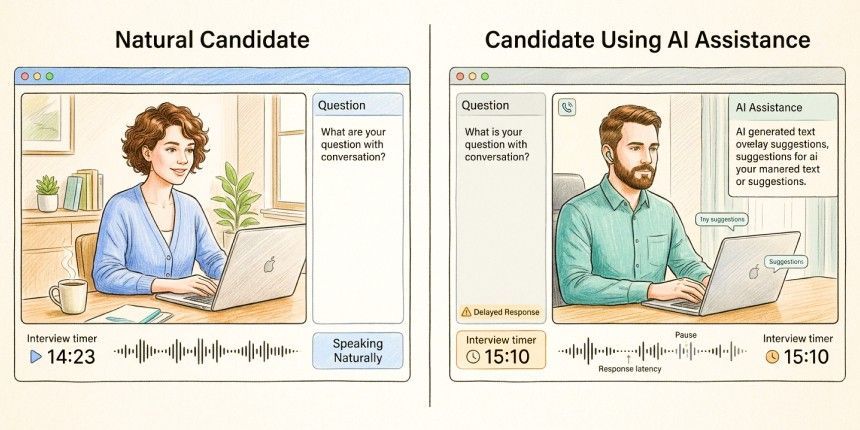
| Micro-Pauses | Network latency during cloud transcription. | Unnatural, dead silence immediately preceding a highly complex answer. |
These acoustic telltales occur because virtual audio drivers (such as VB-Cable or Loopback) must intercept the sound cards to feed the transcription engine. If a candidate has not optimized their audio latency settings, their hardware will stutter under the dual load of streaming video and running real-time speech-to-text processing.
Spotting Behavioral Signals
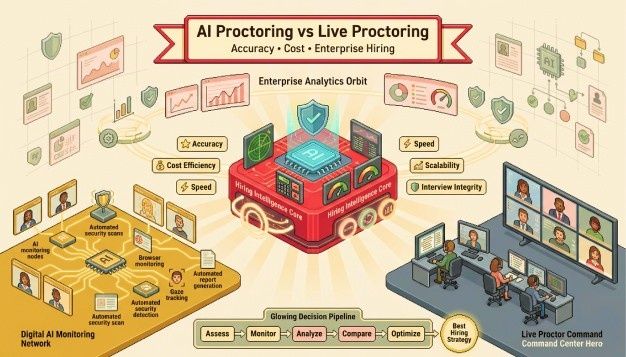
Human cognition has natural boundaries that AI assistance lacks, which is why the debate over AI vs human proctoring matters when you're deciding how to catch these signals. When a candidate relies on external text, their physical actions and delivery patterns deviate significantly from normal human conversation.
The most prominent flag is the teleprompter eye. Even when using a strategic overlay, a candidate reading text will exhibit microscopic, rhythmic left-to-right pupil tracking. Rather than moving their eyes naturally to recall information, their gaze remains rigidly locked to specific zones on the monitor.
Additionally, look for unnatural structural polish. If a candidate pauses in absolute silence for three seconds and then launches into flawless, perfectly categorized bullet points without a single verbal filler, they are likely reading a generated script.
How Hyring's Proctoring Solutions Catch Cheating
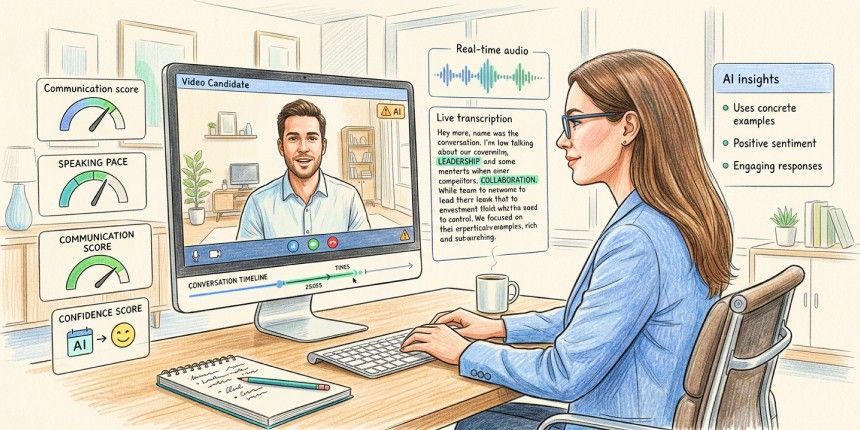
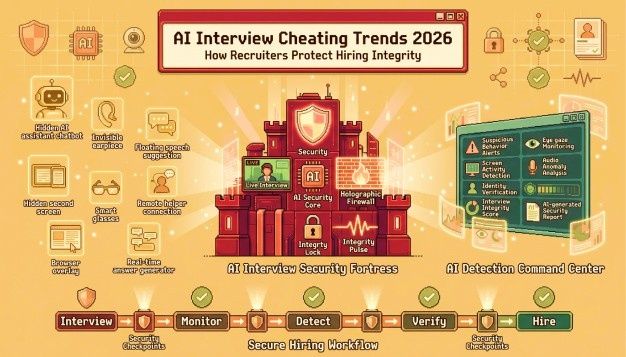
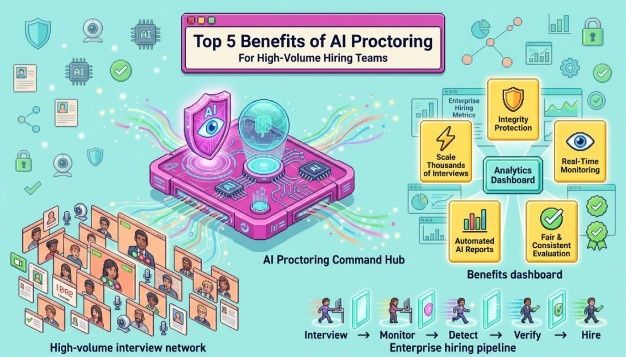
Standard video communication platforms are blind to background applications, but dedicated AI-powered proctoring solutions are built specifically to neutralize these tactics. Hyring utilizes a multi-layered security engine designed to detect fraud in real time.
- Keystroke Dynamics: Tracks typing cadence. Sudden, error-free bursts of complex code suggest clipboard injection or AI generation.
- Gaze and Facial Vector Analysis: Maps pupil movement to catch off-screen reading and persistent overlay alignment.
- Mouse Trajectory Mapping: Flags micro-interactions and clicks occurring outside the active assessment window.
By monitoring these variables simultaneously through online proctoring with AI, the platform flags irregular patterns that human eyes might miss. This ensures that technical skills and behavioral capabilities are evaluated on a completely level playing field.
Key Takeaways for Talent Acquisition Teams
- Spot the Latency: Watch for consistent 3-to-4-second pauses before complex answers, followed by suspiciously flawless delivery.
- Track the Eyes: Look for horizontal reading patterns and minimal blinking, which indicate an active screen overlay.
- Listen to the Audio: Audit your feeds for system ducking, sudden background drops, or short echo loops.
- Deploy Smart Probing: Break the AI's loop by interrupting mid-answer with sudden situational pivots or deep-dive historical questions.
- Leverage Technology: Implement advanced platforms like Hyring to automate tracking, typing cadence analysis, and browser security.
Conclusion
Mastering how to detect Parakeet AI during a live interview is a mandatory skill for modern recruiters looking to protect their talent pipelines. While real-time AI interview copilots continue to evolve, they cannot erase the technical and behavioral footprints they leave behind. Building a defensible interview integrity strategy means pairing trained interviewers with proctoring technology that adapts as these tools change. By training interviewers to spot cognitive anomalies and equipping your hiring pipeline with advanced proctoring solutions like Hyring, your organization can accurately separate synthetic talent from true technical experts.
Frequently Asked Questions
1. What does Parakeet AI help candidates do?
Parakeet AI helps candidates bypass the natural stress and preparation requirements of a job interview by acting as a real-time copilot. It automatically captures live interview audio, transcribes the interviewer's question, and uses advanced language models like GPT-5 or Claude 4.0 to display structured, bulleted answer scripts or coding solutions directly onto the candidate’s screen within 2 to 4 seconds.
2. How do candidates use Parakeet AI?
Candidates use Parakeet AI by uploading their resume and the target job description into the software before an interview begins. During the live video call on platforms like Zoom or Google Meet, the tool runs as an independent, transparent background overlay. It silently captures the system audio to transcribe questions in real time, serving up personalized, context-aware answers adjacent to the candidate’s webcam so they can read the script while maintaining artificial eye contact.
3. What are the main features of Parakeet AI?
The main features of Parakeet AI include:
- Real-Time Speech Transcription: Instantly translates live audio into text without requiring manual triggering.
- Resume-Aware Answer Generation: Crafts responses using uploaded CV data so answers sound tailored to the candidate's actual history.
- Coding Interview Screen Capture: Allows candidates to capture technical problem statements from HackerRank or LeetCode and quickly generate algorithmic logic, pseudocode, and time-complexity breakdowns using an AI coding interviewer.
4. Is Parakeet AI detectable during remote interviews?
Parakeet AI claims to be technically undetectable on standard video tools like Microsoft Teams, Zoom, and Google Meet because it operates as a separate browser tab or desktop application that bypasses standard window-based screen-sharing. However, it is highly detectable through behavioral cues such as a rigid 3-second latency before answering, rhythmic reading eye movements, and a complete lack of natural verbal fillers, as well as through advanced proctoring solutions like Hyring that track mouse trajectory anomalies, keystroke dynamics, and facial vectors.
5. Why do job seekers use AI interview copilots?
Job seekers use AI interview copilots primarily to reduce interview anxiety, mask technical gaps, and artificially boost their performance under pressure. By relying on real-time platforms to structure their behavioral answers and to supply complex coding solutions instantly, candidates attempt to project a high level of fluency, domain expertise, and operational confidence that they might struggle to deliver organically.