To download your invoices:
Go to the Subscriptions Page:
Navigate to the "Subscription" page from your dashboard

Find the Invoice History Section:
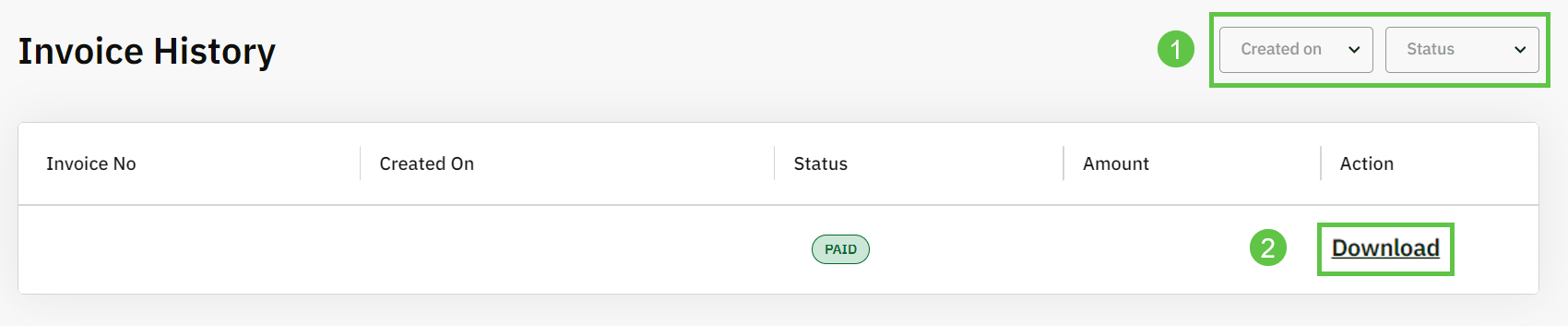
Scroll down to locate the "Invoices History" section.
Download the Invoice:
i) You can filter the invoices based on dates and statuses.
ii) Click the "Download" button next to the invoice you wish to download.