After uploading the JD and customizing the skills and other details,
Follow these steps:
Step 1: Click the Add Questions Manually button on the Add Questions page.

Step 2: Fill in all the fields required.
You can Have both general and technical question types with any of the 3 difficulties (easy, moderate, and hard)
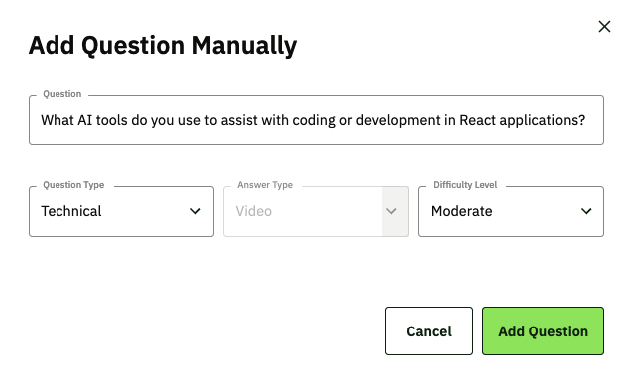
Step 4: Click on the Add Question button and Done!
Your question has now been added to the list.

Following these steps, you can add custom questions to the interviews.

