You can access all your past invoices from your account dashboard.
Just go to:
Hyring Dashboard → Subscription → Invoices
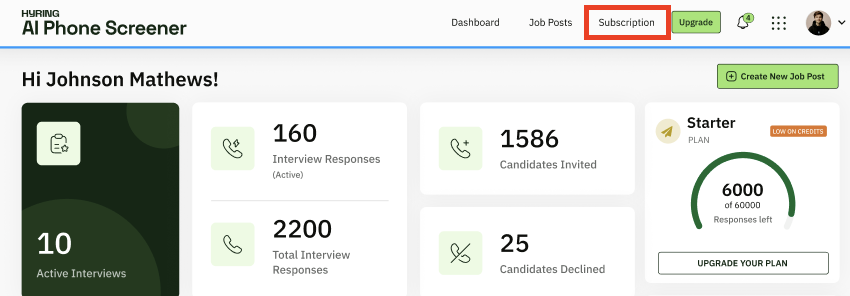
There, you'll see a list of every billing cycle. You can view details, download each invoice, and share them with your finance team if needed.

