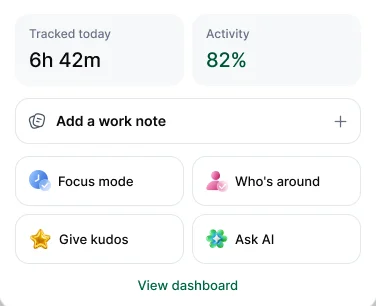
Ask AI answers questions about time and activity in plain English, with the figures behind them and links to the pages they come from. Open Ask AI from the left menu, or choose the Ask AI tile in the desktop app's timer window, which opens it in your browser.
Who can use it
Everyone in the workspace, on every plan. Members ask about their own work, managers about their teams, and admins about the whole workspace. See How many Ask AI questions do I get, and how do I get more?.
What it can read
Worked, active, idle and manual time over any range up to three months; activity and core work share; the busiest apps and websites; a day's sessions and manual time entries; unusual activity flags (for admins and managers); and who is in which team.
What it does and doesn't do
- Describes what happened and what changed, with the numbers. Ask for a chart or a CSV and it adds one when there's data to draw.
- Shows screenshots taken near the moments an answer rests on, so you can check them by eye.
- Doesn't change anything: it can't approve time, change settings or send messages.
- Can't see meeting time, remote vs office, streaks, kudos or work notes, and doesn't read what's in screenshots.
- Can make mistakes. Check important figures on the page they come from.
Pages such as the Dashboard, Activity and Reports suggest questions that fit what you're looking at.