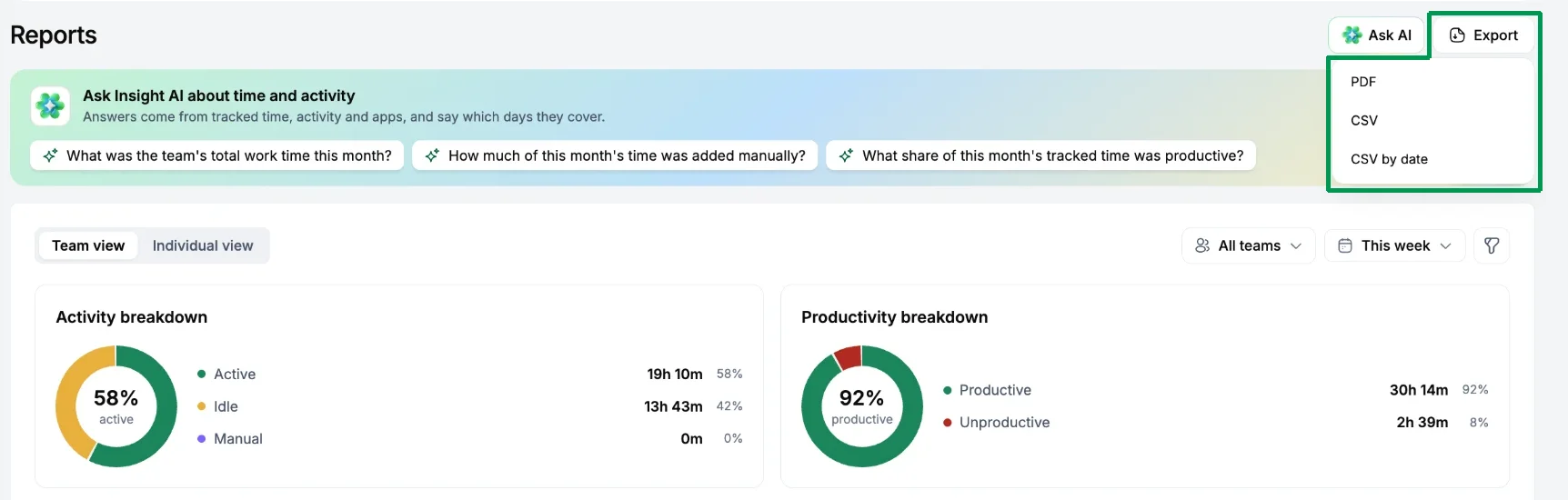
Set the filters first, then choose Export and pick CSV or PDF. You get a file of what's on screen.
CSV or PDF?
- CSV opens in Excel or Google Sheets. Use it for payroll and invoicing, or anything you want to sort and total.
- PDF is a ready-to-share report. Use it to send a client or manager a copy they can read as it is.
Check three things before every export
- Date range. Payroll weeks follow your workspace's week start and time zone.
- People. All members or a filtered set?
- Grouping. By person, team or day.
Which one to use
| Need | Export from |
|---|---|
| Payroll | Timesheets › Weekly, or Reports › Time & Activity |
| Client billing | Timesheets › Daily, or Reports › Time & Activity |
| Manual time for audit | Timesheets › Requests history |
You get a notification when a large export is ready.