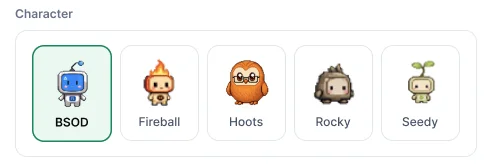
The companion is a compact timer, with a character of your choice, that stays on top of your windows. It never nags and never reports on you.
Turn it on
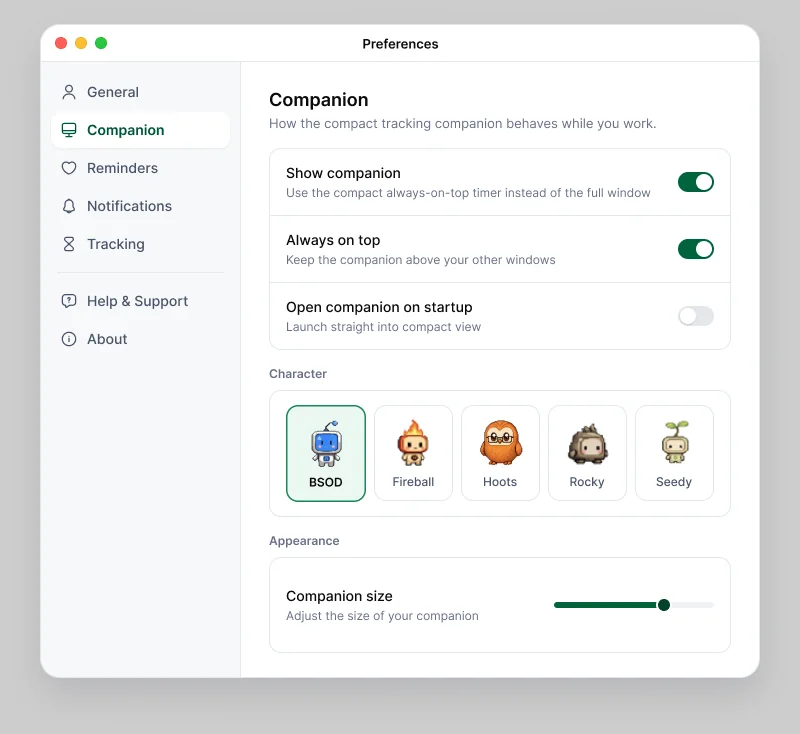
In the desktop app, open Preferences › Companion and turn on Show companion. You can also choose Show companion in the ⋮ menu.
Make it yours
- Character: BSOD, Fireball, Hoots, Rocky or Seedy.
- Always on top and Companion size.
- Open companion on startup.
Colleagues never see your companion, and it doesn't change what's tracked.
Wellness reminders
Preferences › Reminders can remind you to drink water, stretch, rest your eyes or take a short walk. They stay off until you turn them on.