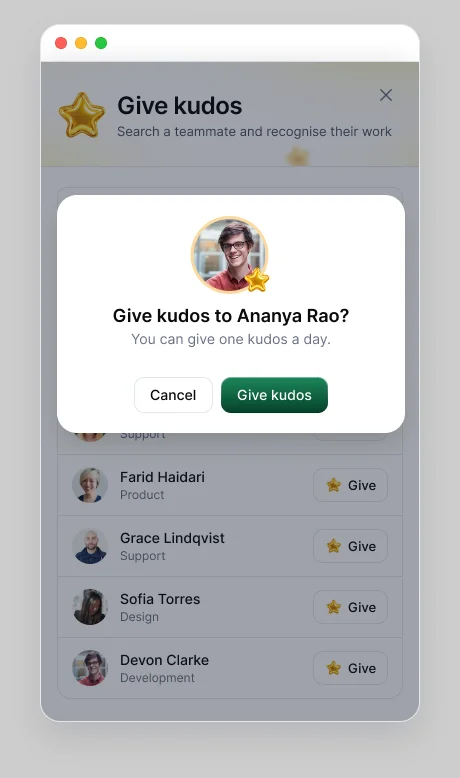
Choose Give kudos on the desktop app's timer window, or Kudos in the portal, then search for a teammate and choose Give. Members and Managers can give one kudos a day. Admins can give kudos to as many people as they like, once per person a day.
- Confirm with Give kudos. Changed your mind? Choose Undo straight after.
- Your teammate is notified, and it's added to their total.
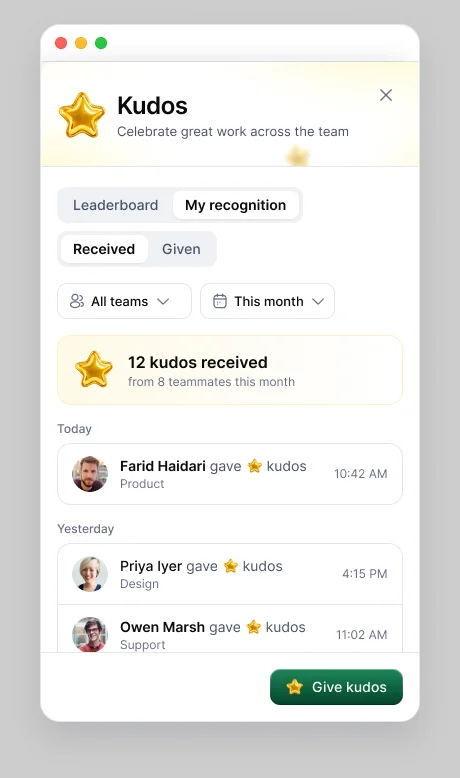
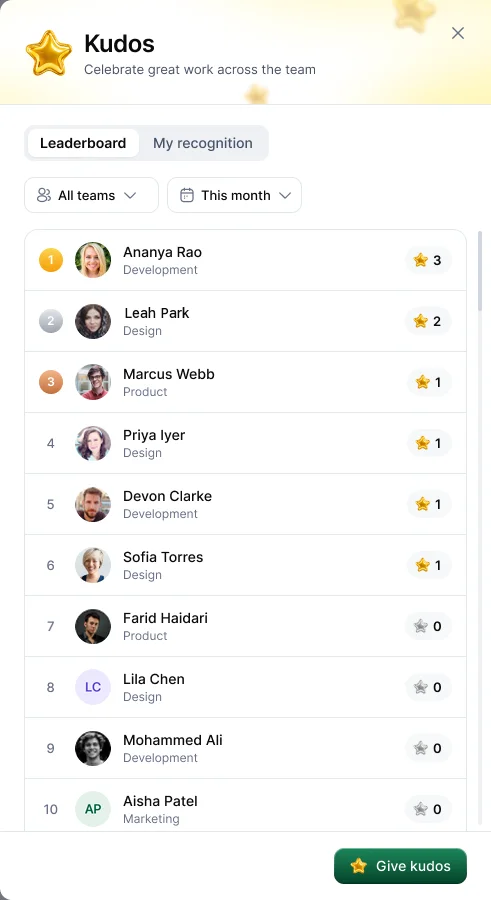
- In the portal, Kudos in the top bar or in your profile menu opens the Leaderboard and My recognition (kudos Received and Given). Filter by team and by Today, This month, Last month or All time. The desktop app has the same views.
The leaderboard celebrates appreciation. It isn't a performance measure: quieter roles and newer people often get fewer.