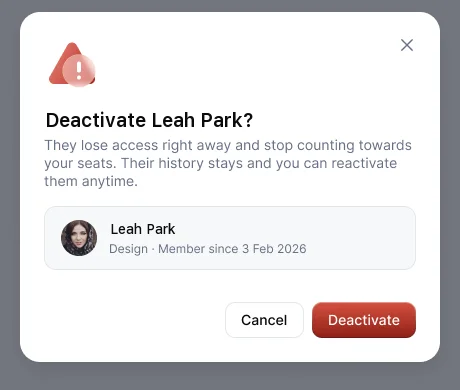
In People › Members, choose Deactivate member on the person's row, then Deactivate. They lose access straight away and stop counting towards your seats. Their history stays. You can also set Status to Deactivated on their Info tab. You can't deactivate yourself.
On a paid plan, the seat stays paid until your renewal, so someone else can take it at no extra cost. At renewal you're billed for the people actually in the workspace.
Reactivate someone
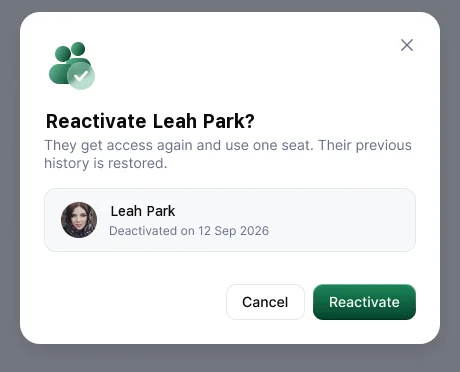
Open the Deactivated tab, choose Activate member on their row, then Reactivate. They get access again, use one seat and find their history as they left it. If every paid seat is in use, an Admin needs to choose Add seats in Billing first. On Free, reactivating counts towards the 2-person limit.