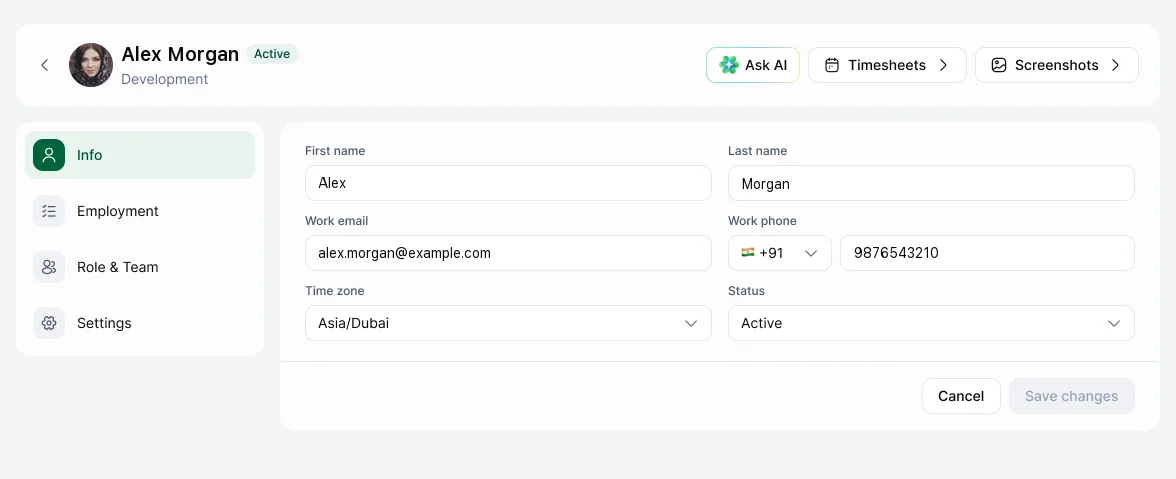
Go to People, open the person and use the Info, Employment, Role & Team and Settings tabs.
| Tab | What you can change |
|---|---|
| Info | Name, work email, work phone, time zone, status |
| Employment | Employee ID, job title, employment type, start date, head office location |
| Role & Team | Role, team and Reports to |
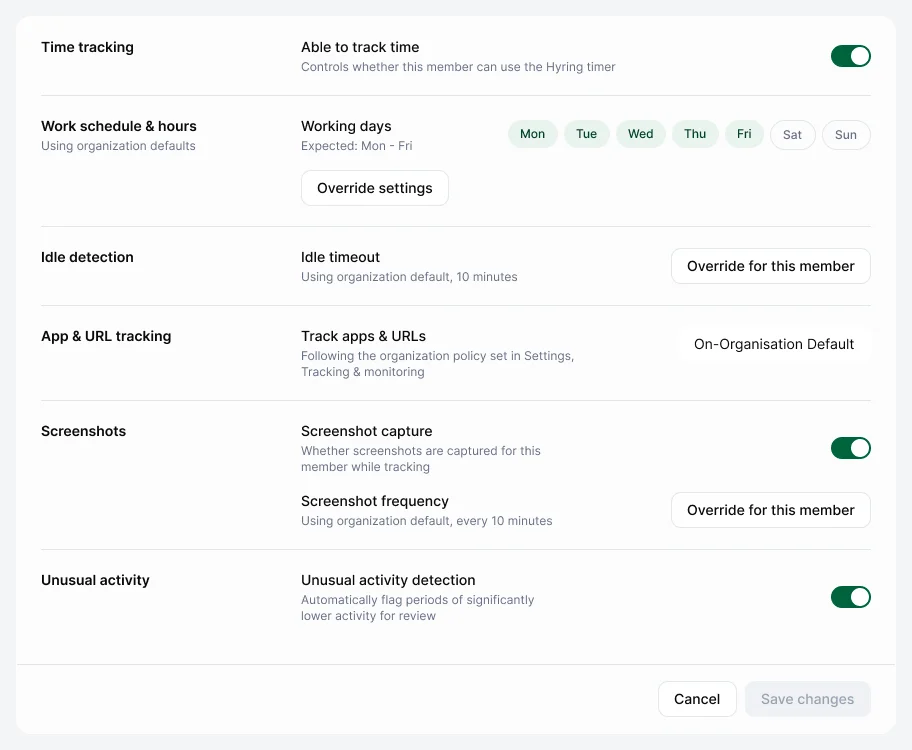
| Settings | Settings for this person only (below) |
Settings for one person
Turn Able to track time on or off, or choose Override to give this person their own work schedule, idle timeout, screenshot capture and frequency, blur, screenshot deletion and unusual activity detection. Anything you don't override follows the workspace settings.
From the header you can also jump to the person's Timesheets and Screenshots, or Ask AI about them.