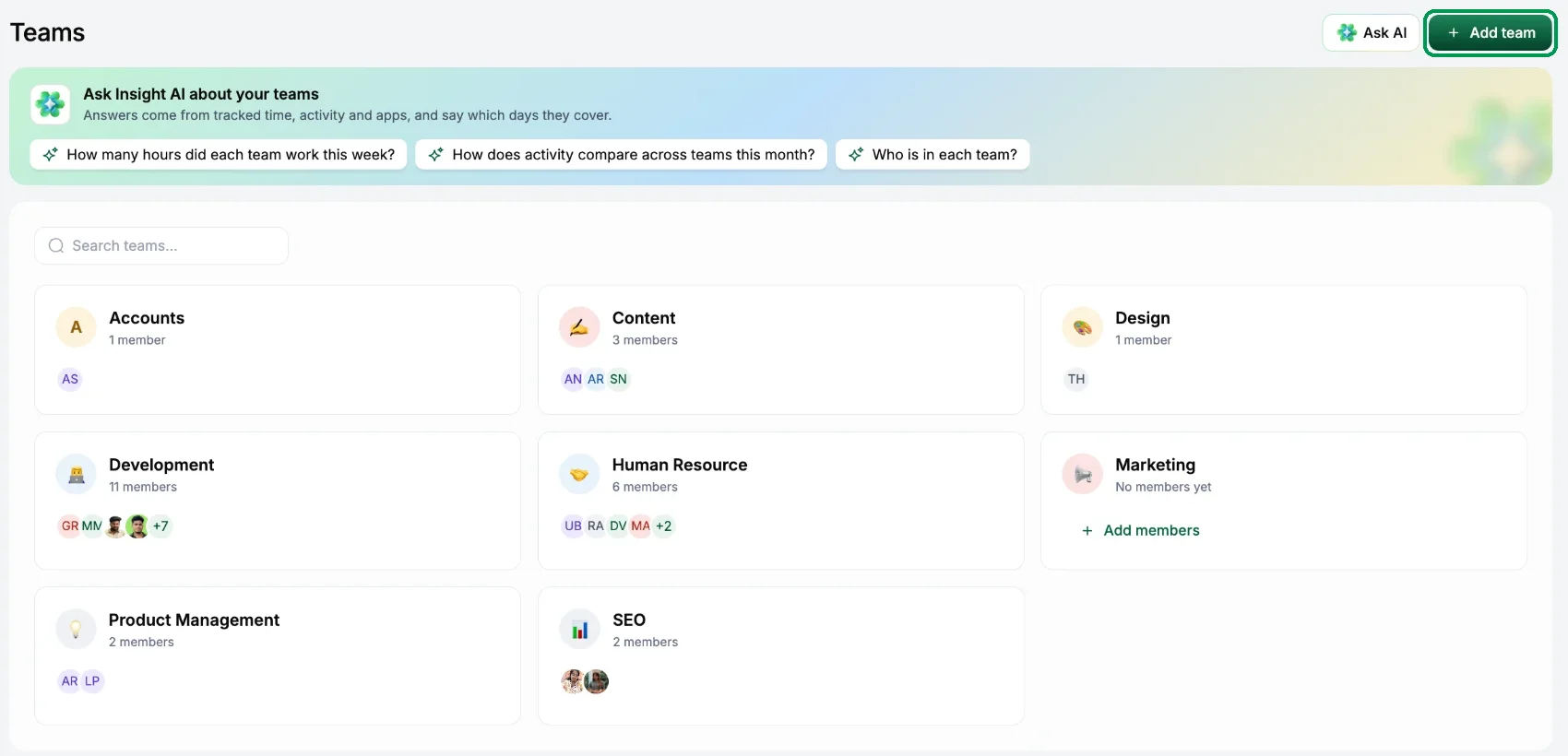
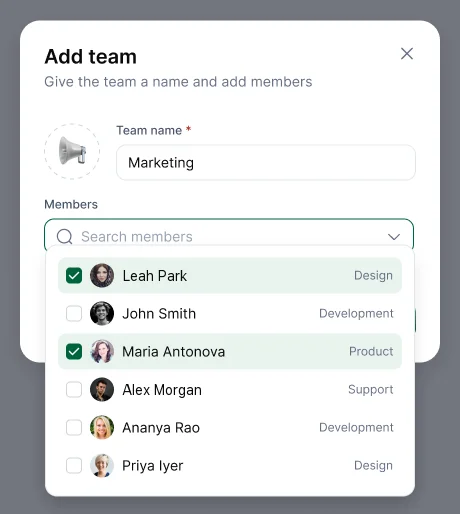
Go to People, open Teams and choose Add team. Name it, pick an icon and tick the people in it.
Who manages a team
Give the person the Manager role and put them in the team (People › open the member › Role & Team). A manager sees everyone in the team they manage. Reports to is for your records; it doesn't change what anyone can see.
Change a team
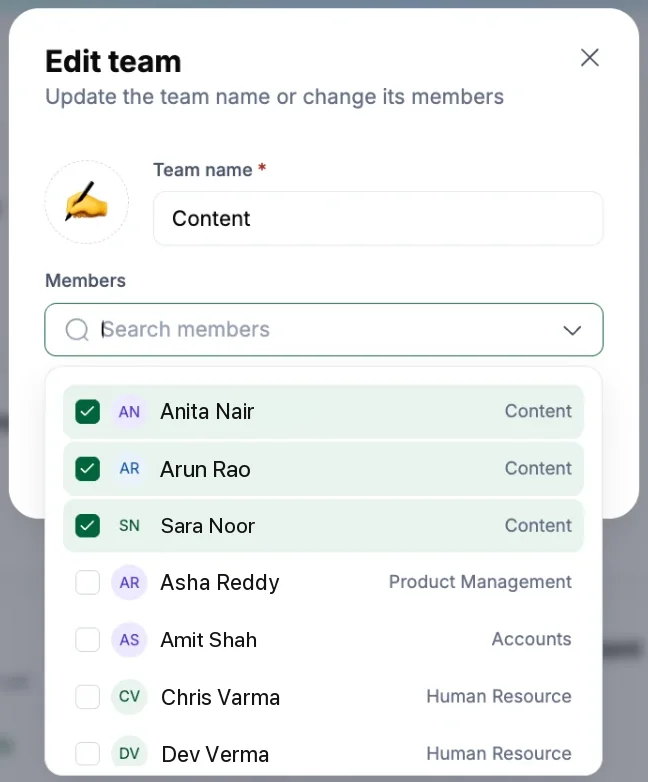
- Edit team to rename it or change its members. Under Members, search for people and tick them to add them, or untick them to take them out. A team with no members shows Add members on its card.
- Remove from team takes one person out. Their account and tracked time aren't affected.
- Remove team deletes the team. Its members stay in your workspace with all their tracked time.
Each person belongs to one team. Time is tracked per person and grouped by team; Hyring Insight doesn't use projects.