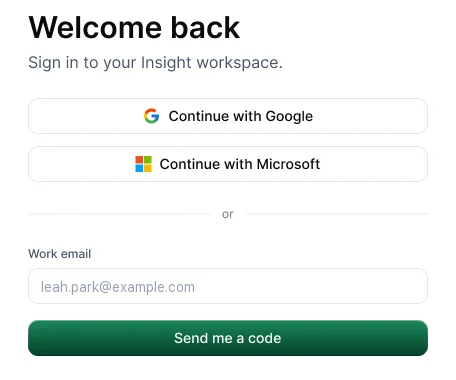
Go to insight.hyring.com and choose Continue with Google or Continue with Microsoft, or enter your work email and choose Send me a code. There's no password to remember.
Signing in with a code
- Enter your work email and choose Send me a code.
- Check your inbox for a 6-digit code and enter it.
- If it doesn't arrive, check your spam folder, then choose Resend (available after 30 seconds). Typed the wrong email? Choose Change.
The desktop app
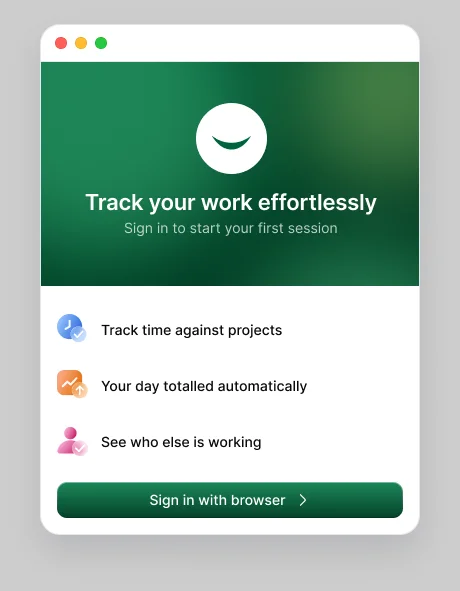
Choose Sign in with browser. Hyring Insight opens your browser so you can sign in, then takes you back to the app.
New to Hyring Insight?
Choose Create a workspace. You get 14 days free with no credit card.