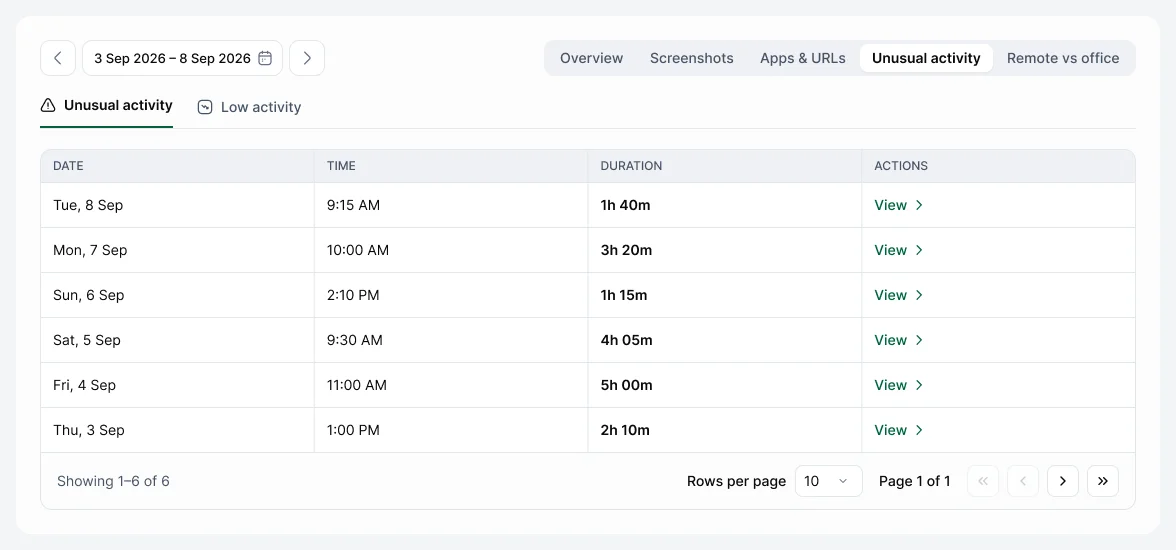
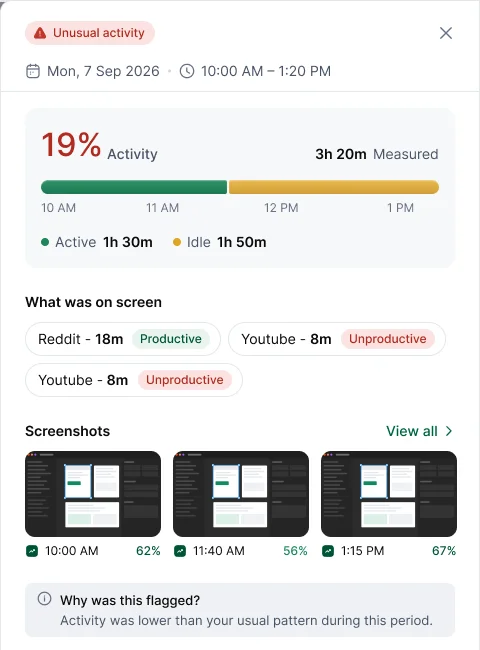
A stretch of your time looked different from your own usual pattern, such as much lower activity. It's a prompt to look, not a judgement.
Open Activity & Productivity › Unusual activity and choose View on the row. You'll see your activity and what was on screen. On Pro and Enterprise you'll also see Why was this flagged?.
If you were on a call, reading or working away from the keyboard, add a work note for that time, so your manager has the context.