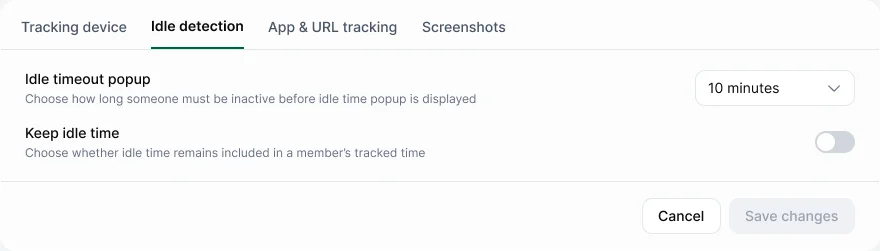
Go to Settings › Tracking & monitoring › Idle detection.
| Setting | What it does | Default |
|---|---|---|
| Idle timeout popup | How long without input before the app asks "Were you working?" | 10 minutes |
| Keep idle time | Keeps idle time in worked time by default. Members can still discard it in the idle popup | Off |
- Roles with lots of reading or calls may need a longer timeout.
- Changes apply from now on.
- Tell people before you change it, so their totals don't surprise them.