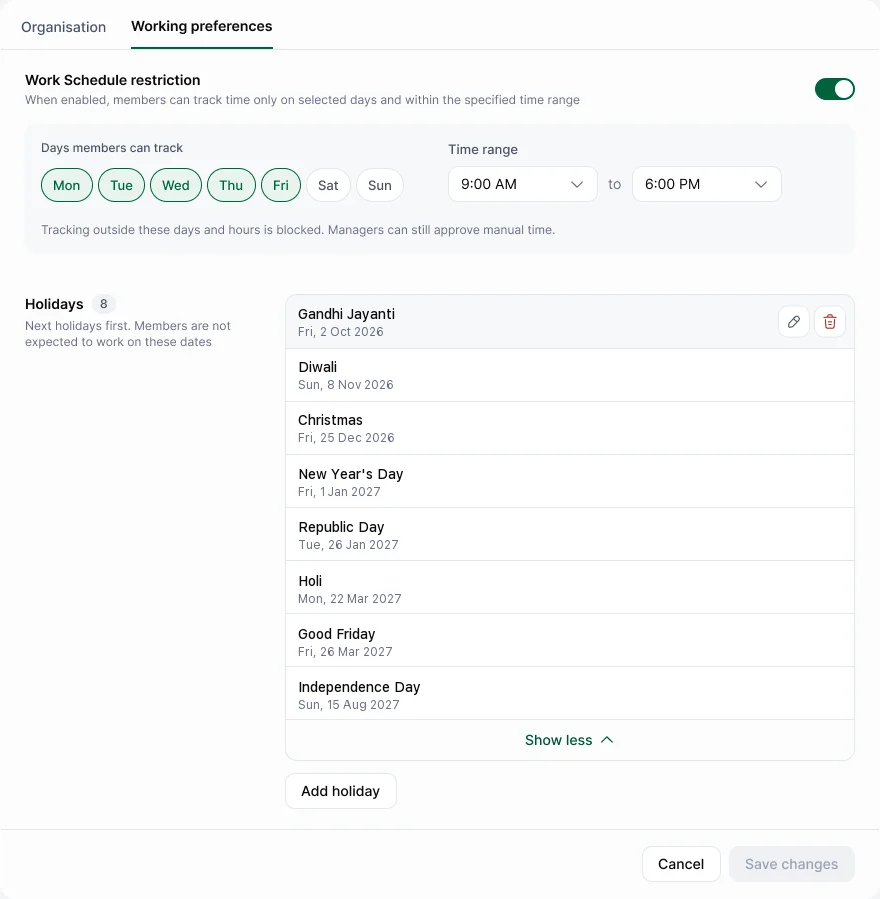
Go to Settings › General › Working preferences for working days, hours and holidays. Office locations are on the Organisation tab.
Work schedule
Turn on Work Schedule restriction, then choose Days members can track and a Time range. Tracking outside these days and hours is blocked.
Holidays
Choose Add holiday, then enter the Holiday name and Date. Holidays apply to the whole workspace. Nobody is expected to work on them, and streaks skip them.
Office locations
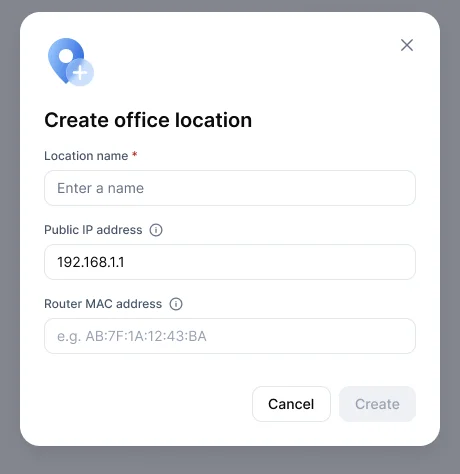
In Settings › General › Organisation, under Work locations, choose Add location. Enter the Location name, Public IP address and Router MAC address, then Create. Remote vs office uses these on Enterprise.