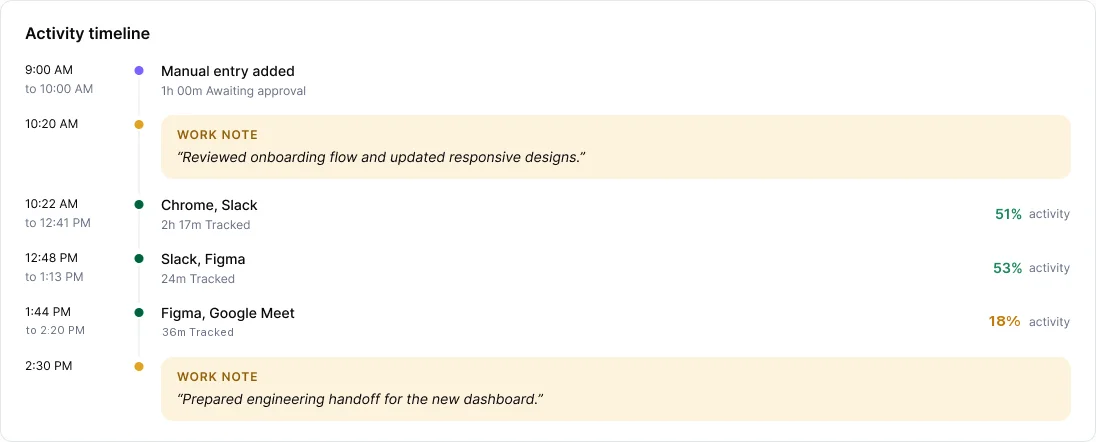
Activity measures keyboard and mouse input. Reading, calls, thinking and paperwork produce little input, so they look quiet.
What to do
- Add a work note for the quiet stretch. It appears on your timeline next to the time.
- When the idle prompt asks "Were you working?", choose Yes, keep idle time for real work.
- Open Ask AI and try "Why is my activity lower today?" It shows which hours were quiet and what you were using.
What your manager sees
Your timeline, including your notes. Managers are guided to treat low activity as a prompt to check in, never as a conclusion.