Yes, if your admin allows it: only you can delete your own screenshots. If you can't see Delete, ask your admin to turn on screenshot deletion for you.
First, check the image
Open it in Activity & Productivity › Screenshots. If your workspace blurs screenshots, it may reveal less than you think.
Delete your own
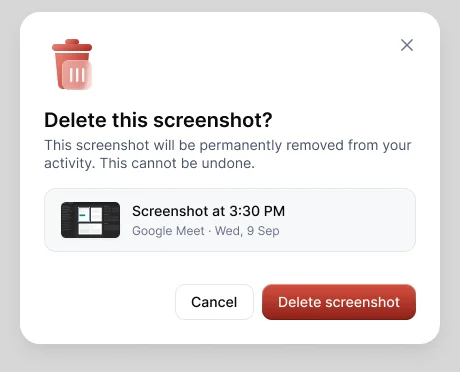
Open the screenshot and choose Delete, then Delete screenshot. This can't be undone. The time and activity stay on your record.
For admins
Admins can't delete members' screenshots. To let members delete their own, turn on Allow members to delete screenshots in Settings › Tracking & monitoring › Screenshots, or for one person in their member settings.
To avoid it next time
- Stop the timer before doing anything personal.
- Use a separate browser profile for personal accounts.
- Remember that a screenshot includes every screen.




