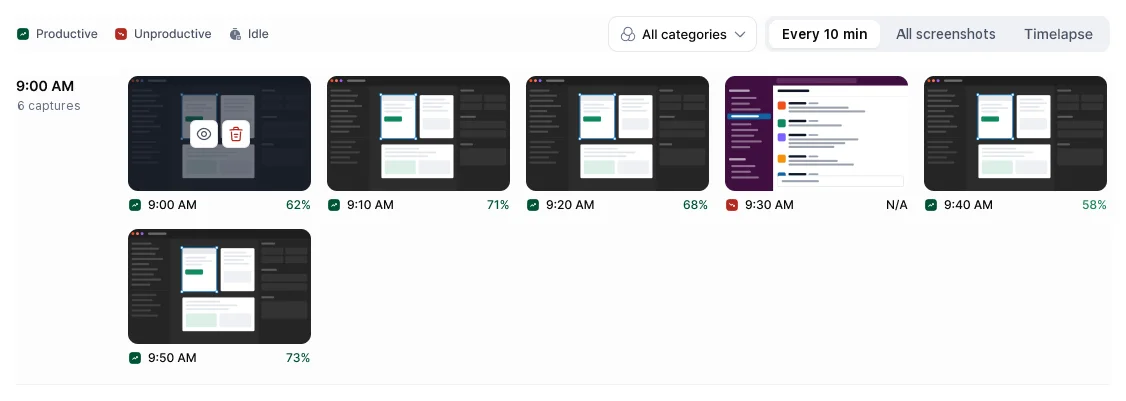
If your workspace uses screenshots, Hyring Insight takes them during tracked time only, every 10 minutes by default. Your admin can blur yours.
- When: only while the timer runs.
- What: all your screens at that moment.
- Blur: softens the image so the kind of work shows but text isn't readable.
- How long they're kept: on Pro and Enterprise, your admin decides (by default they're kept until deleted). On Starter they're kept for 1 year, and on Free for 30 days.
See your own
Activity & Productivity › Screenshots shows your captures by hour, with the app and activity at that moment. Switch between Every 10 min, All screenshots and Timelapse. What you see is what your manager sees.