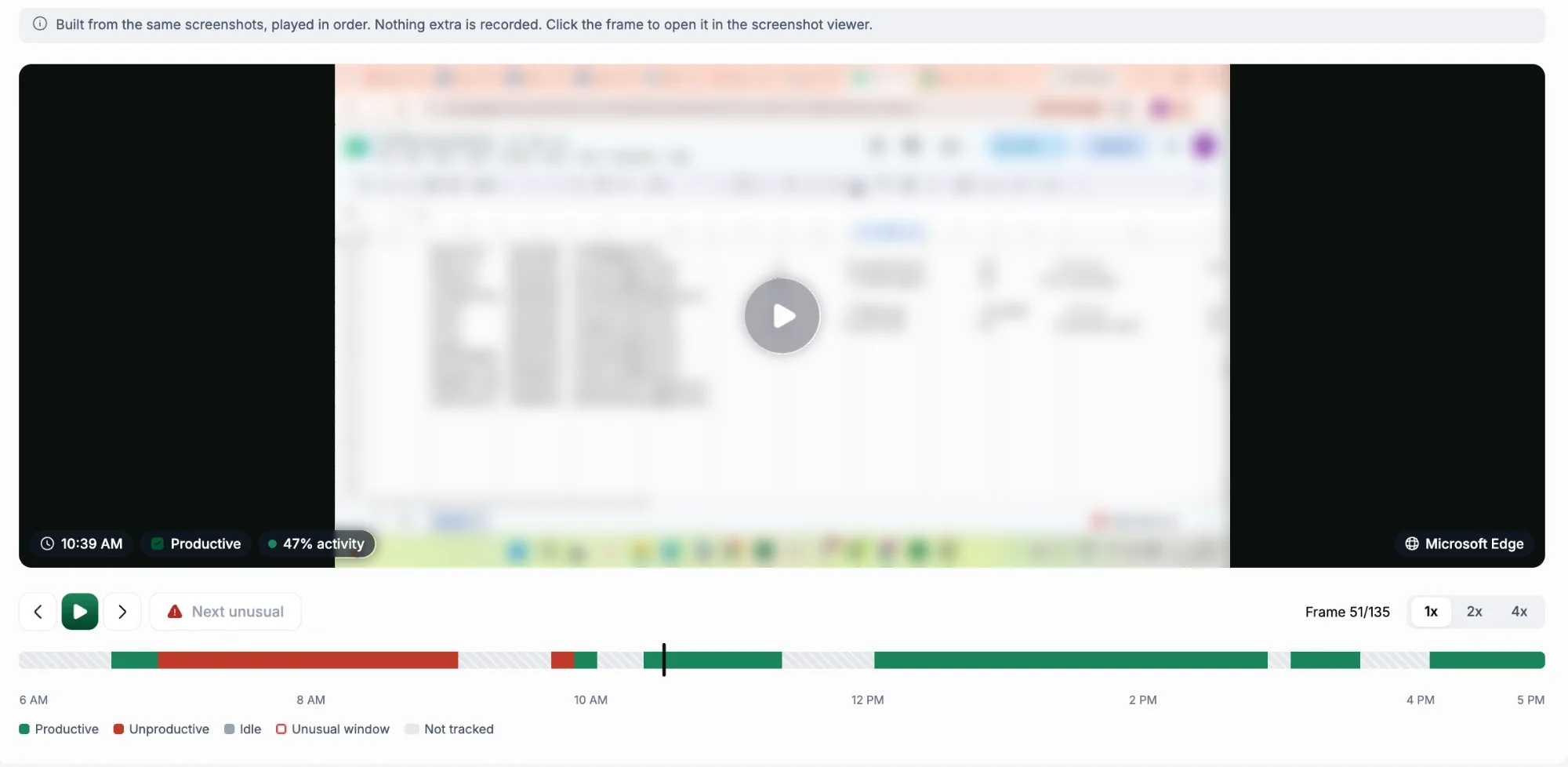
Timelapse plays a full day of screenshots in under a minute. It's made from screenshots; Hyring Insight never records video.
- Go to Activity & Productivity › Screenshots and open a person's day.
- Choose Timelapse.
- Play at 1x, 2x or 4x. Each frame shows the time, whether it was productive, the activity and the website.
- Use Next unusual to jump to frames from unusual activity.
Good to know
- Today's timelapse is ready tomorrow.
- Blurred screenshots stay blurred.
- Members can play their own day.
- Timelapse is available on Pro and Enterprise, and needs screenshots switched on.