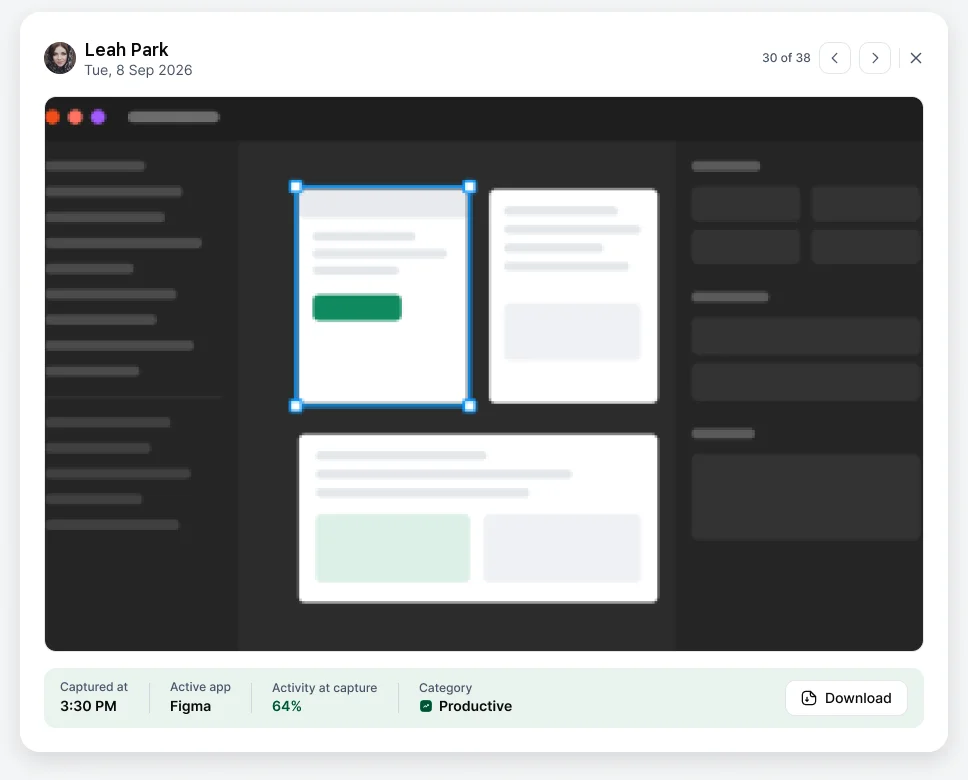
Go to Activity & Productivity › Screenshots and pick the person and date. Open any screenshot to see it at full size.
The viewer shows when it was Captured at, the Active app, Activity at capture and its Category (productive, unproductive or idle). Use the arrows to move through the day, or Download to save it.
Managers see their teams; admins see everyone.